Python in Visual Studio Code: June 2019 Release #Python #VScodeTips #Microsoft @code @pythonvscode

Microsoft announces Python improvements in the June 2019 release of the Python extension for VS Code:
We are pleased to announce that the June 2019 release of the Python Extension for Visual Studio Code is now available. You can download the Python extension from the Marketplace, or install it directly from the extension gallery in Visual Studio Code. If you already have the Python extension installed, you can also get the latest update by restarting Visual Studio Code. You can learn more about Python support in Visual Studio Code in the documentation.
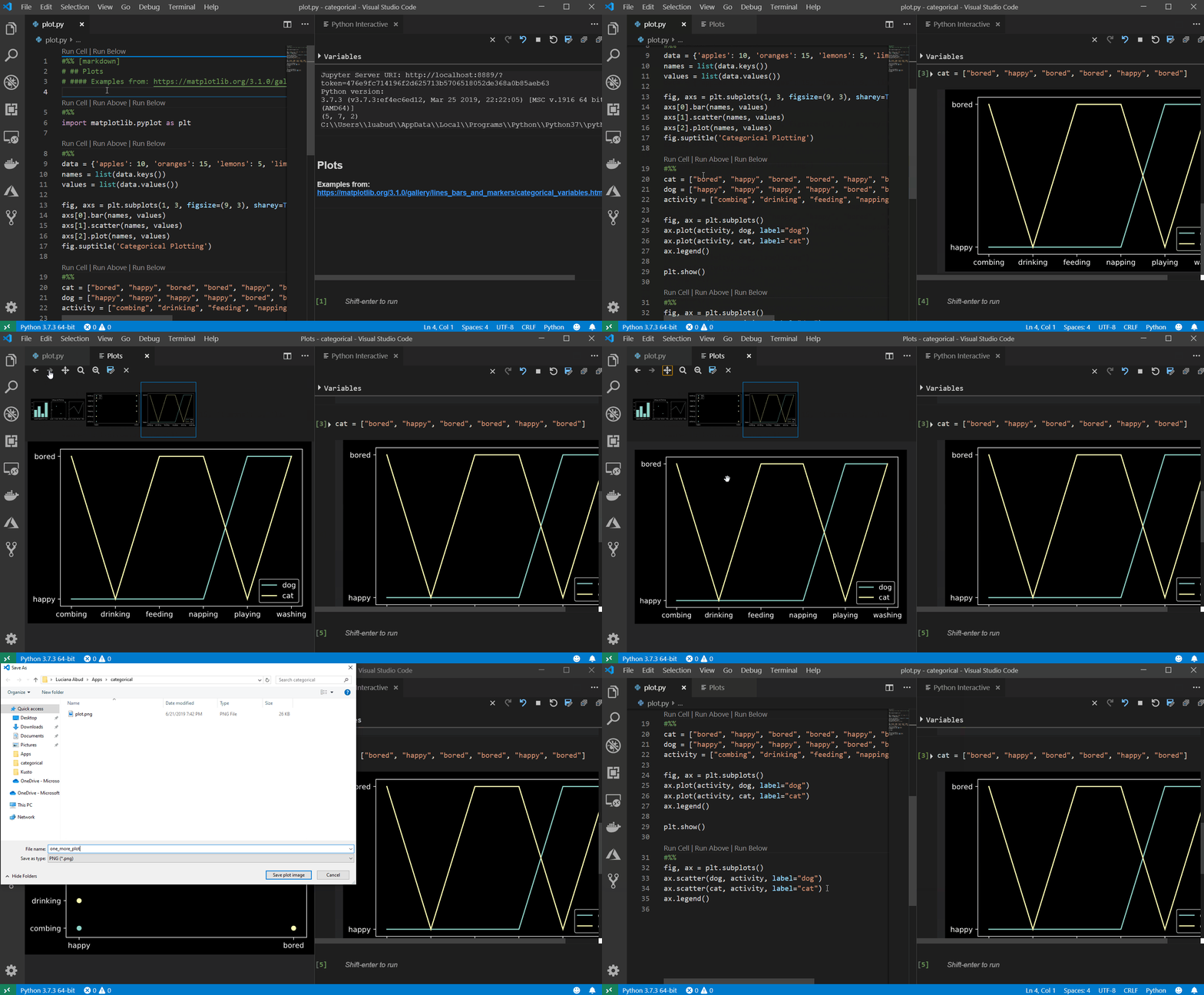
In this release we made improvements that are listed in our changelog, closing a total of 70 issues including a plot viewer with the Python Interactive window, parallel tests with pytest, and indentation of run selection in the terminal.
Improvements summary
- Plot Viewer with the Python window
- Parallel tests with pytest
- Indentation of run selection in the terminal
- Allow password for remote authentication with jupyter. (#3624)
- Data Viewer now properly handles large data frames and supports filtering with expressions on numeric columns (greater than, less than, equals to) (#5469)
- Show preview of imported notebook in the Python Interactive window. (#5675)
- Add support for sub process debugging, when debugging tests. (#4525)
- Added support for activation of conda environments in powershell. (#668)
- Add ‘ctrl+enter’ as a keyboard shortcut for run current cell. (#5673)
You can download the Python extension for Visual Studio Code now to try out the above improvements. If you run into any problems, you may file an issue on the Python VS Code GitHub page.


Post a Comment